Tenant Sign In
This guide will walk you through the complete process of signing in to The FitCorp portal as a tenant. The sign-in process takes approximately 5-10 minutes.
Before You Start
Make sure you have the following ready:
- Your work email address ready
- Access to your email inbox to receive the invitation
Access The FitCorp Sign In Page
- •Open your web browser
- •Navigate to The FitCorp portal at app.thefitcorp.com
- •You'll see the welcome screen with the message: "Welcome to The FitCorp!"
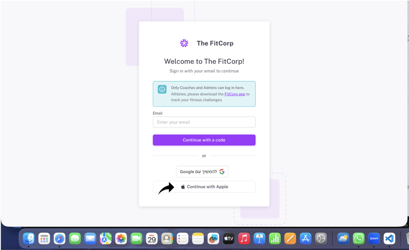
Expected result: You see the sign-up/sign-in page with email field and sign-in options.
Choose Your Sign-In Method
You have 3 options to sign up:
Option 1: Continue with a Code
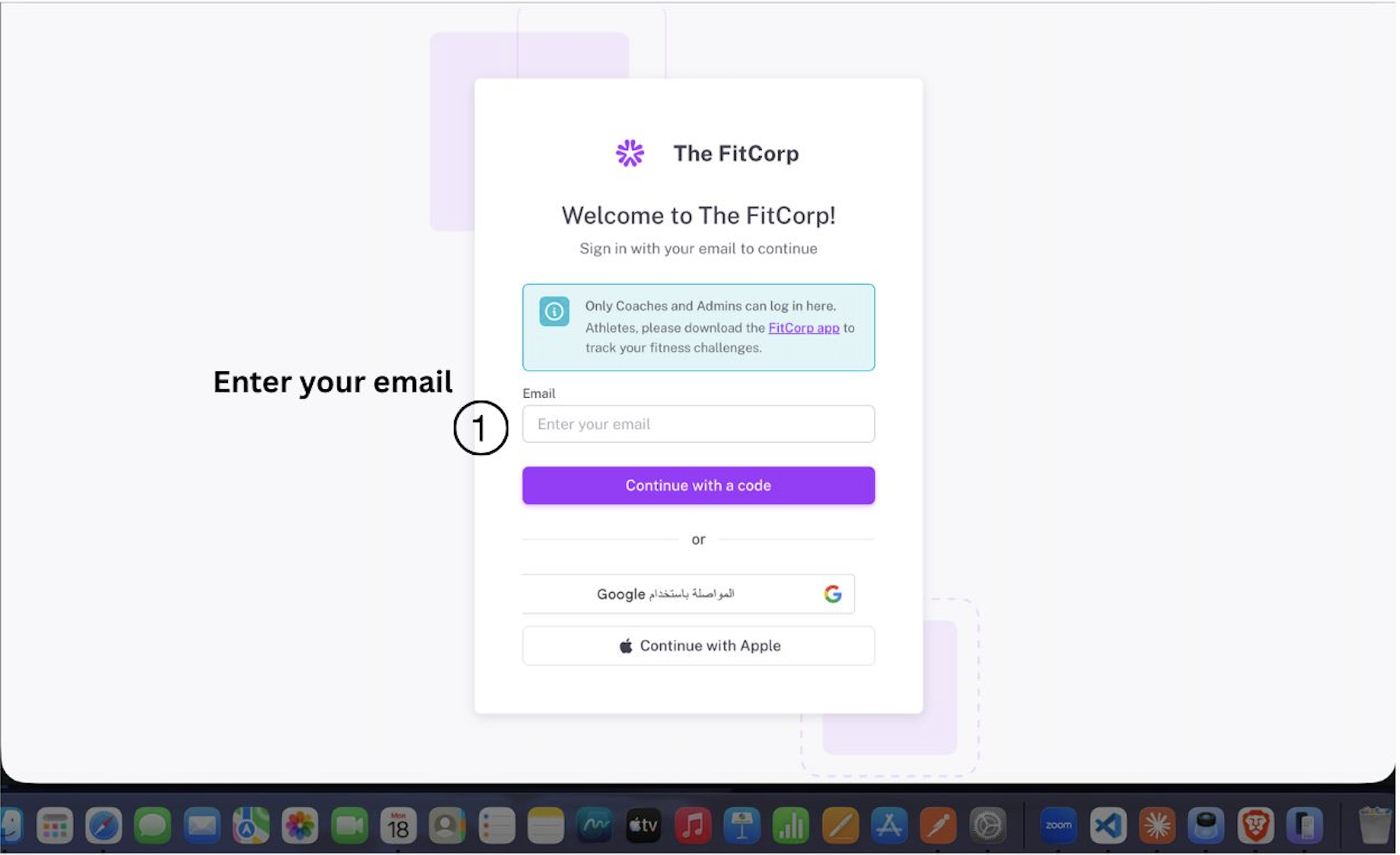
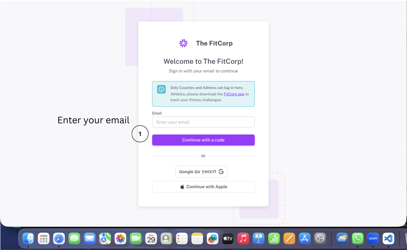
- •Enter your email
- •Click the purple button "Continue with a code"
- •You'll receive a sign-in code at your email
- •Check your email for the code (takes 1-2 minutes)
- •Enter the code on the next screen
- •You'll be taken to complete your tenant registration
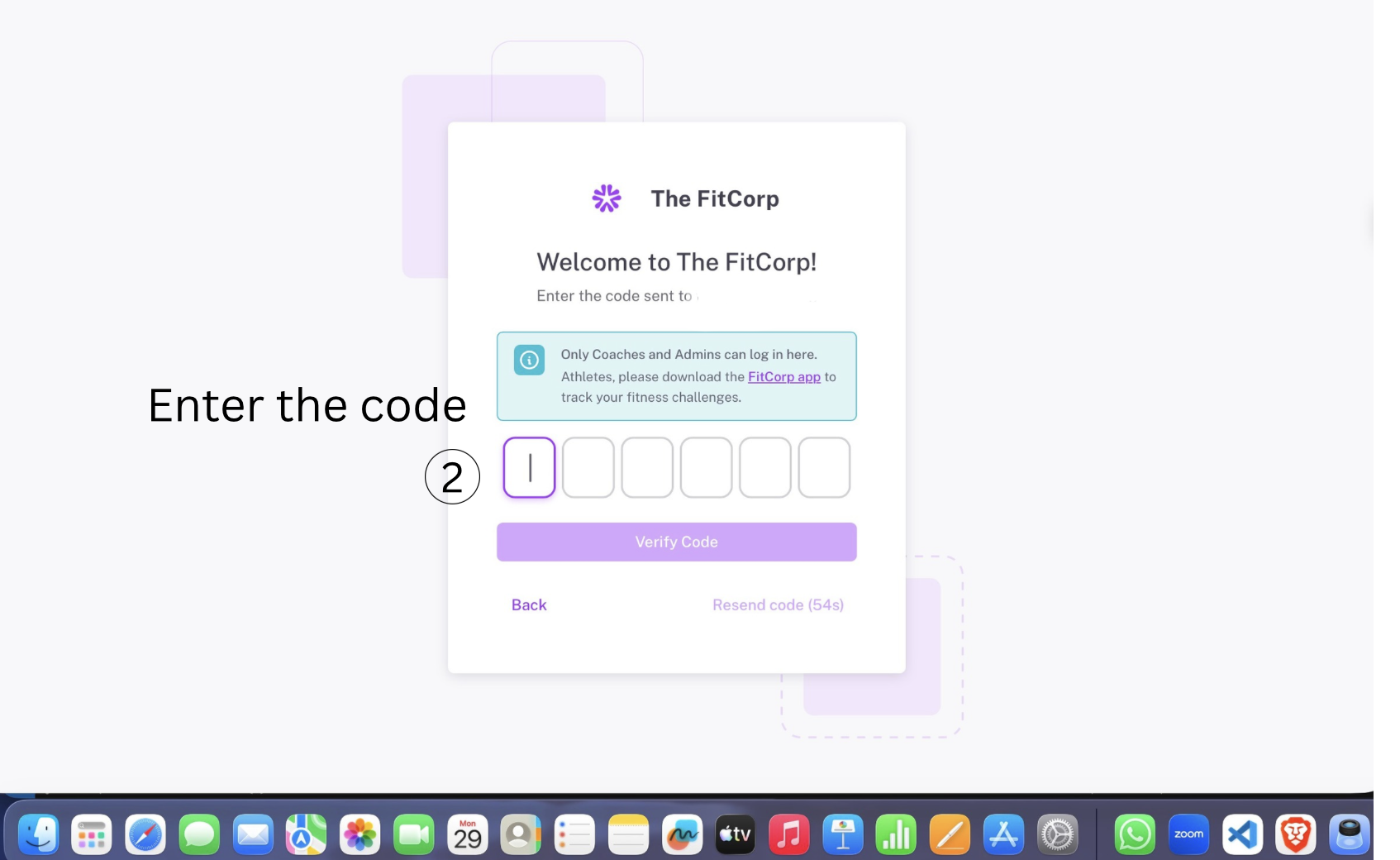
Expected result: You receive an email with a sign-in code within 1-2 minutes.
Option 2: Continue with Google
- •Click the "Continue with Google" button
- •Authorize The FitCorp to access your Google account
- •You'll be taken to complete your tenant registration
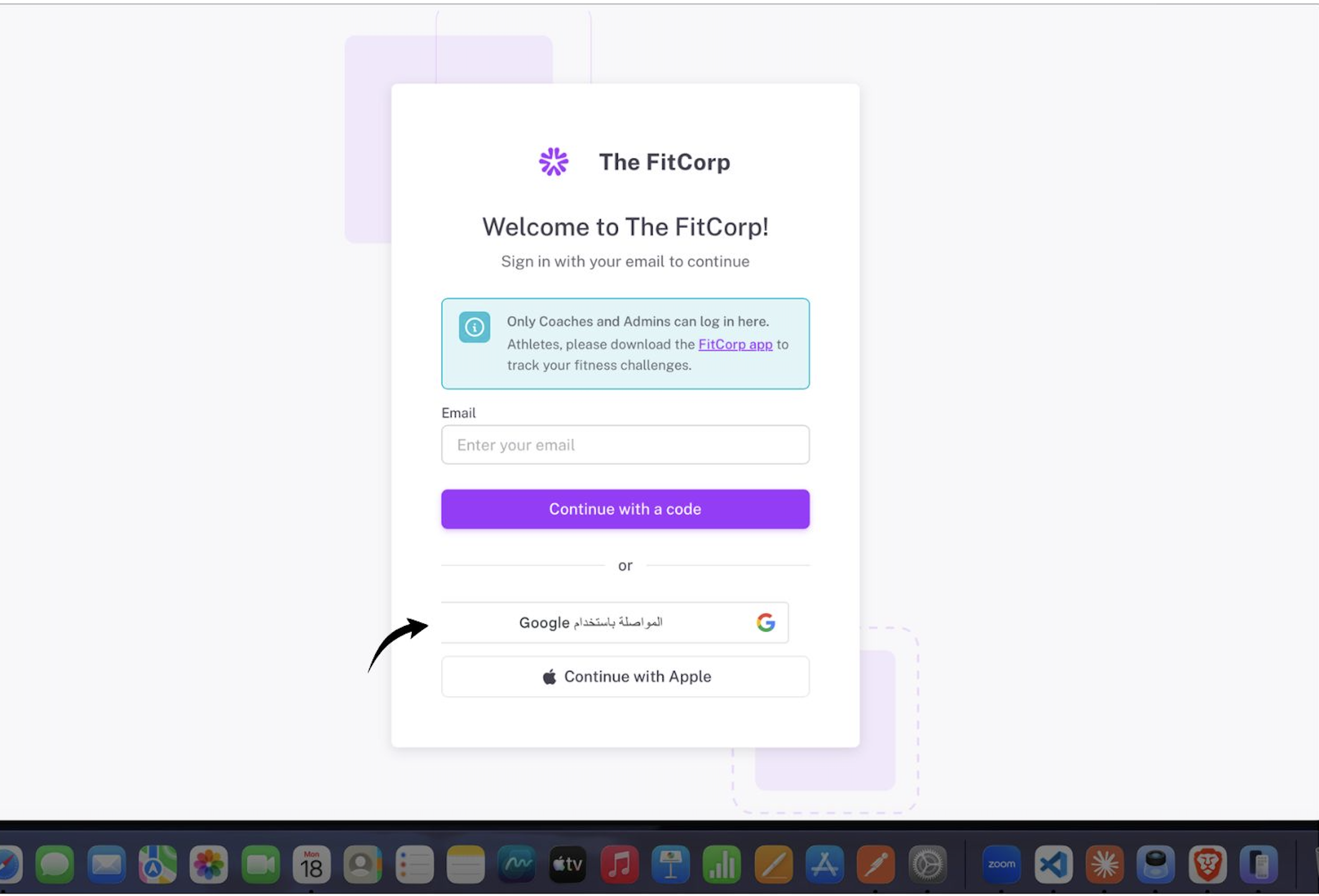
Expected result: You're redirected to the tenant registration form.
Option 3: Continue with Apple
- •Click the "Continue with Apple" button
- •Authorize The FitCorp to access your Apple account
- •You'll be taken to complete your tenant registration
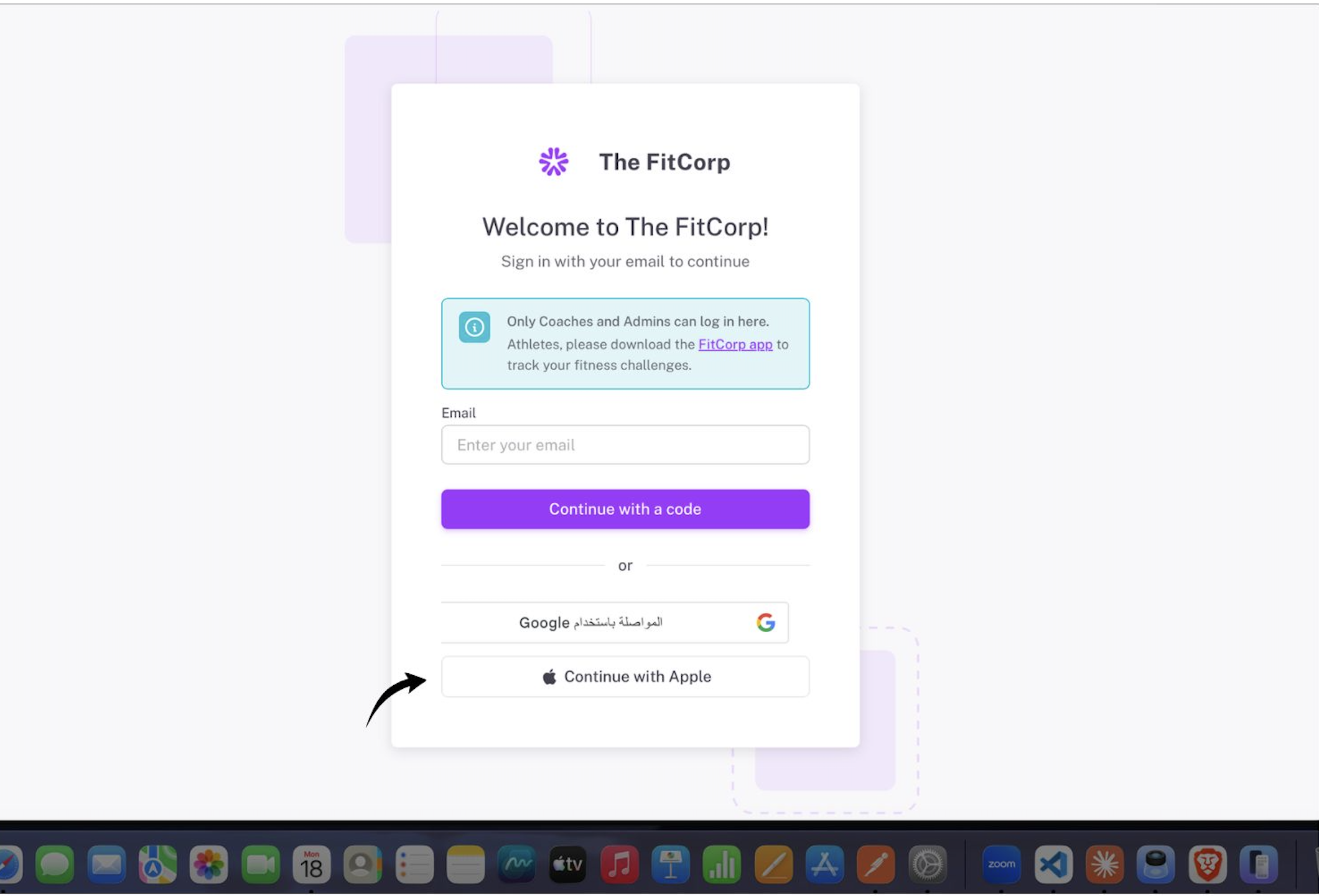
Expected result: You're redirected to the tenant registration form.
Complete Your Tenant Registration
- •You'll be taken to the registration form
- •Fill in the required information:
Email: (pre-filled from your sign-in)
Tenant Name: Your organization name
Other details: Follow the form prompts
- •Click the "Complete Registration" button
Expected result: Success message appears, and you're redirected to your tenant dashboard.
Access Your Tenant Dashboard
- •You're now logged into The FitCorp as a Tenant Admin
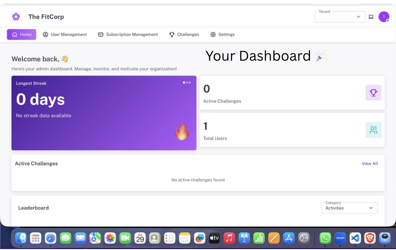
- •You'll see your tenant dashboard
- •You have full access to manage your workspace
- •You can now invite users and create challenges
Expected result: You're on your tenant dashboard and ready to manage your workspace.
Who Can Sign Up?
Tenant Admins
- Anyone can create a tenant account and access the portal
- You automatically become a Tenant Admin for your workspace
- Full access to manage fitness challenges and athletes
- You can invite other team members to your tenant workspace
Athletes Cannot Sign Up Here
- Athletes should download the FitCorp app to track their fitness challenges
- Tenant Admins will invite athletes to challenges through the platform
Troubleshooting
I didn't receive the sign-in code email
- Check your spam or junk folder - emails sometimes get filtered
- Wait a few minutes - emails can take time to arrive
- Make sure you entered your email correctly
- Try signing up again with the correct email address
- Try a different sign-in method (Google or Apple)
I can't sign up with Google or Apple
- Make sure you're using the same email address
- Check that your Google or Apple account is active
- Try signing up with an email code instead
- Clear your browser cache and cookies
- Try a different browser
- Contact support if the issue persists
Quick Reference
| Step | Action | Time |
|---|---|---|
| 1 | Enter work email | 30 seconds |
| 2 | Choose sign-in method | 10 seconds |
| 3 | Complete sign-in | 1-2 minutes |
| 4 | Complete registration | 2 minutes |
| 5 | Access dashboard | 10 seconds |
| Total | Complete sign up | ~5-10 minutes |
Pro Tips
Make Tenant Sign-Up Easier:
- 1Prepare your information - Have your organization details ready
- 2Use Google or Apple - Faster than email code method
Need More Help?
If you encounter any issues not covered in this guide:
- •FAQ Section: Check the help center for common questions
- •Video Tutorials: Visit our YouTube channel for visual guides
- •Contact Support: Reach out to our support team at support@thefitcorp.com
Welcome to The FitCorp!
You're now ready to start managing your fitness challenges and athletes. Enjoy the platform and make fitness management easy and fun!